How to Use Conference Photos to Increase LinkedIn Engagement
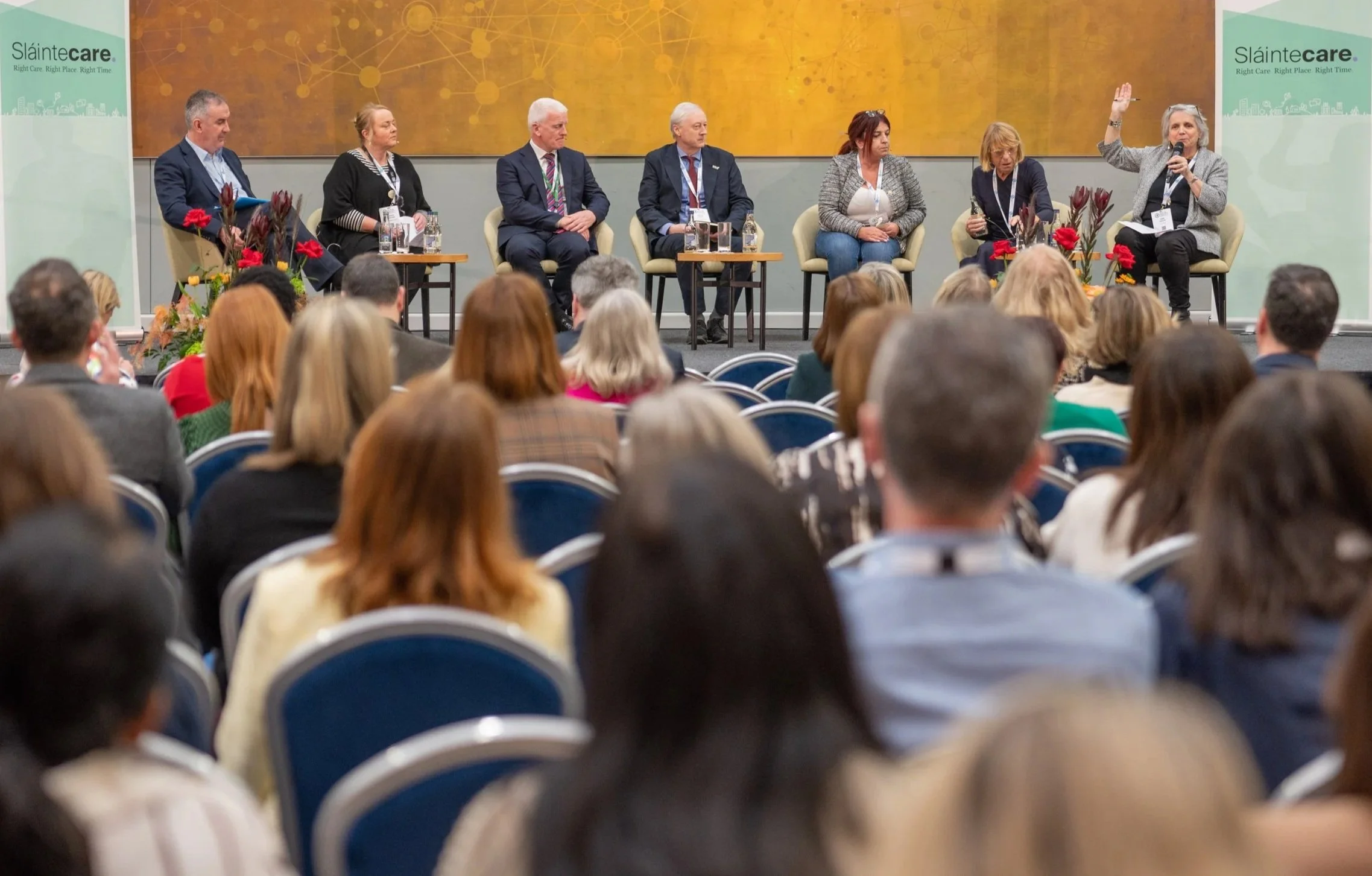
LinkedIn has become the primary social platform for conferences, corporate events, and professional communities. Yet many organizations post event photos without a strategy — resulting in low engagement and missed opportunities.
When used correctly, conference photography can dramatically increase LinkedIn reach, engagement, and brand visibility. Here’s how to do it effectively.
Why LinkedIn Is the Most Important Platform for Conference Photos
Unlike other social platforms, LinkedIn:
Rewards professional, business-focused content
Prioritizes authentic engagement
Amplifies posts with people-centric visuals
Encourages tagging and resharing
Conference photos are perfectly suited to this environment — if they’re used strategically.
Focus on People, Not Just Stages
Photos that perform best on LinkedIn feature:
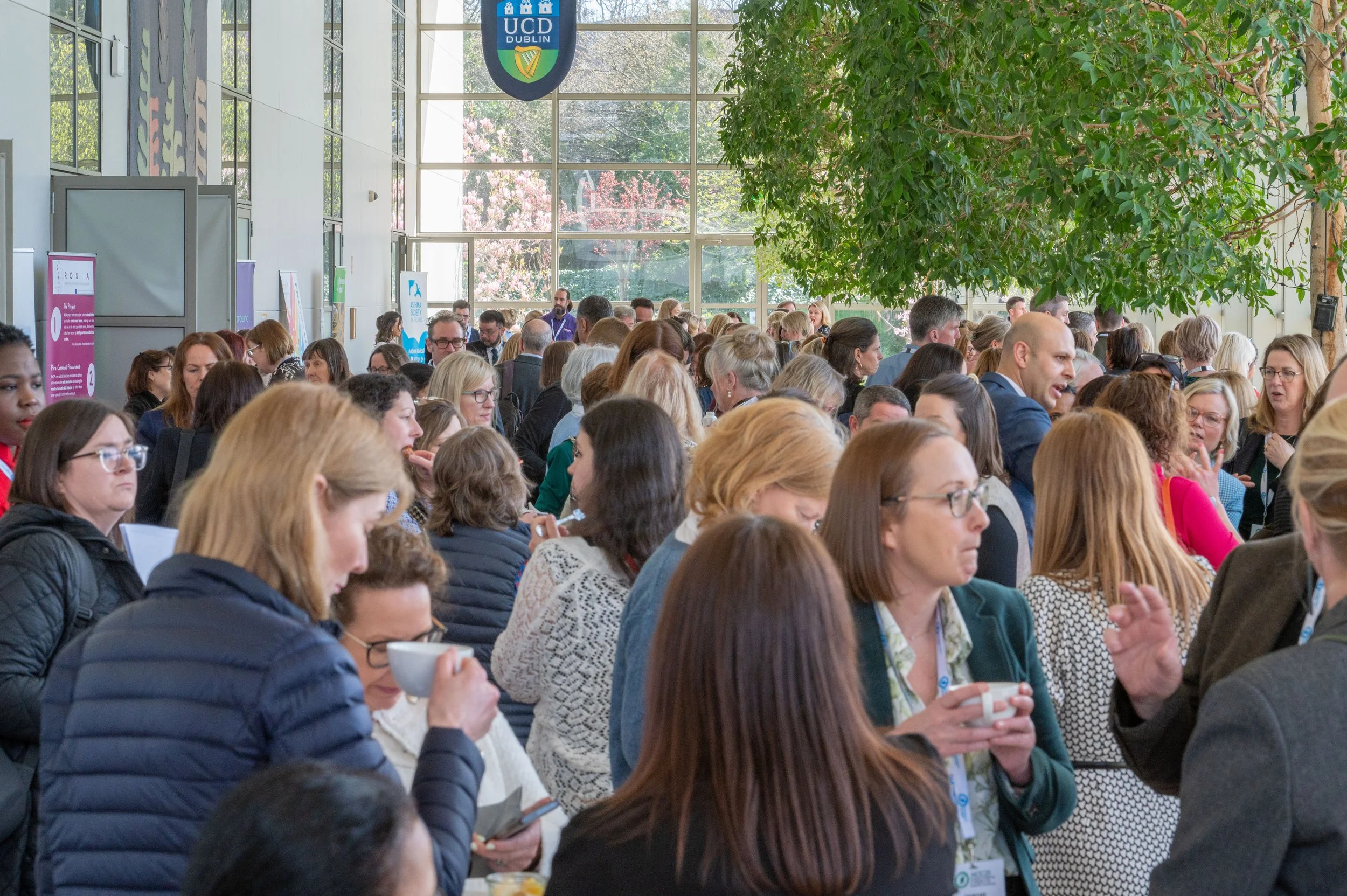
Attendees networking
Speakers interacting with audiences
Genuine expressions and moments
Group interactions
Wide shots of empty stages or generic signage rarely drive engagement. People connect with people.
Tag Speakers, Attendees, and Sponsors
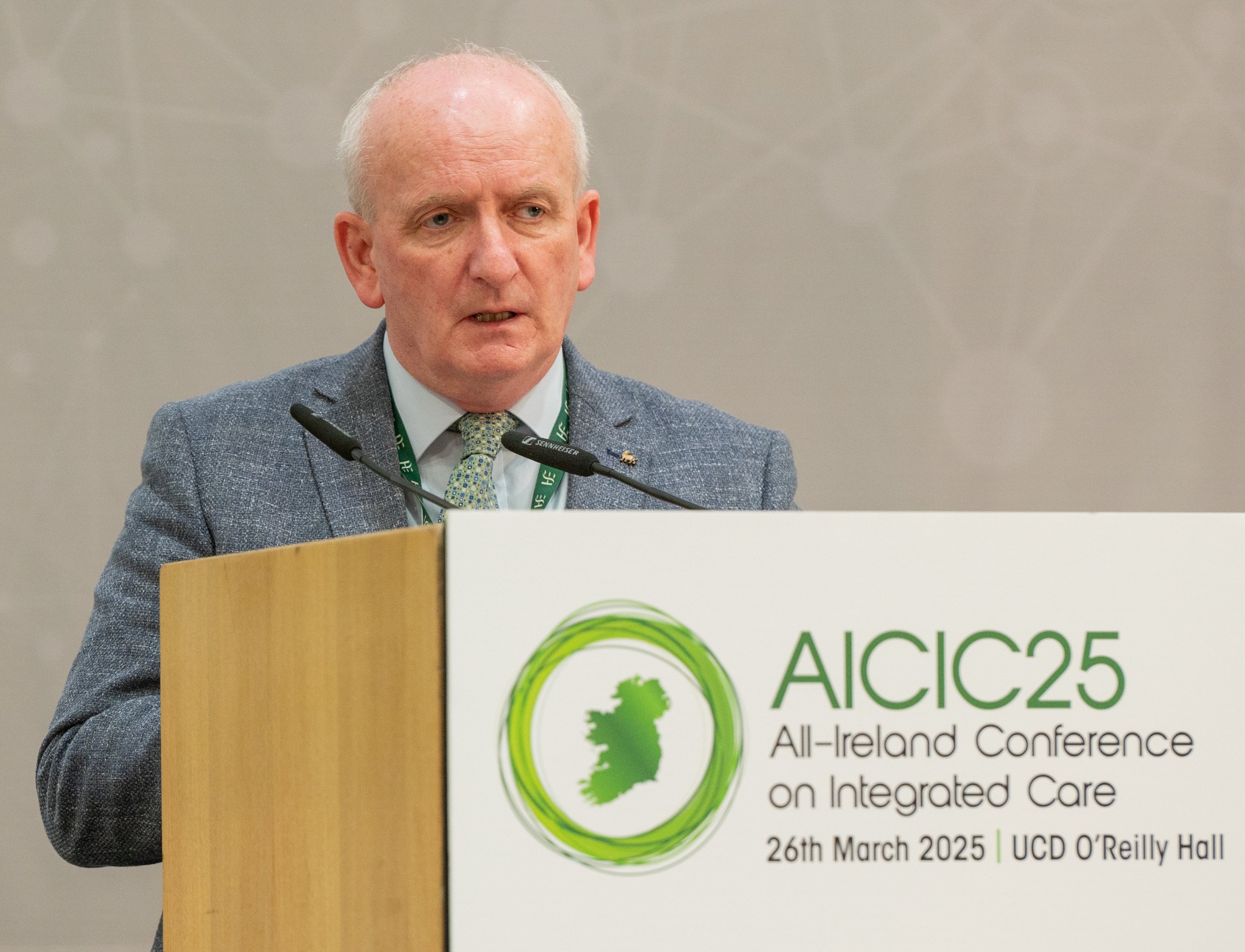
Tagging is one of the most effective ways to increase reach:
Speakers reshare content with their networks
Attendees feel recognized
Sponsors gain visibility
Professional photography ensures images are high-quality and flattering — making people more likely to engage and reshare.
Use Branded Visuals Subtly
LinkedIn audiences respond better to:
Clean branding
Visible but non-distracting logos
Natural brand integration
Avoid overly promotional visuals. Instead, let the experience and people tell the story.
Post Consistently After the Event
Instead of posting everything at once:
Spread photos across several weeks
Highlight different sessions, speakers, and moments
Create a narrative that extends the event’s life
This keeps engagement high and reinforces brand presence long after the conference ends.
Pair Photos With Storytelling Captions
Strong captions matter. Use photos to support:
Key takeaways from sessions
Quotes from speakers
Insights or trends discussed
Gratitude posts for attendees and sponsors
This positions your organization as thoughtful and community-focused, not just promotional.
Encourage Employee and Speaker Advocacy
Provide selected images to:
Internal teams
Speakers
Partners
When multiple people post from different perspectives, LinkedIn’s algorithm rewards the broader engagement.
Optimize Image Selection for LinkedIn
The best-performing LinkedIn conference photos are:
Bright and well-lit
Cropped for mobile viewing
Clear even at small sizes
Emotionally engaging
Professional photographers shoot with social platforms in mind, ensuring images translate well online.
Track What Performs Best
Monitor:
Likes and comments
Reshares
Profile and page visits
Follower growth
Over time, you’ll identify which types of conference photos resonate most with your audience.
With the right photography and posting strategy, LinkedIn becomes one of the most valuable channels for extending conference impact.
